It’s this easy to set up PostFinance Checkout in your online shop

02.02.2026

Implementing a payment solution into your online shop sounds like a bit of a hassle – but with PostFinance Checkout, it’s easier than you might think. This guide shows you how to set up the solution in eight steps and get the right support from the start.

At a glance

  • PostFinance Checkout can be implemented in just a few steps.
  • Retailers follow a clearly structured process: from registration and data entry through to the activation of payment methods and integration into their own shop system.
  • Contracts with the desired acceptance partners are required for live operation. Depending on the payment method, processing occurs directly in the Checkout dashboard or separately with the acceptance partner.

PostFinance Checkout provides retailers with a payment platform that grows with the requirements of their online business. It supports the common payment methods, can be combined with eBill and QR-bill and also offers interfaces to many shop systems and accounting programmes. Numerous configuration options along with comprehensive support ensure smooth and secure operation.

Alongside the many advantages the payment solution offers, you can also plan its implementation: following registration and approval by the acceptance partners, PostFinance Checkout will be ready for operation in around two weeks – secure, verified and tailored to the needs of the Swiss market.

Eight steps to your new payment solution

1. Account creation – your access to the Checkout platform

PostFinance Checkout implementation begins with creating a user account. Access is set up on the product page via “Test it now”. After entering your name, e-mail address and password, the test account is activated through a confirmation e-mail.

Those wanting to use PostFinance Checkout productively can re-register for the full version or switch their test account to a productive account. All details and contract documents will be provided after this. The test environment can still be used, but settings aren’t automatically adopted.

Illustration of user account creation with details of name, e-mail, password and “Test now” button.

2. Free test account – with the right model

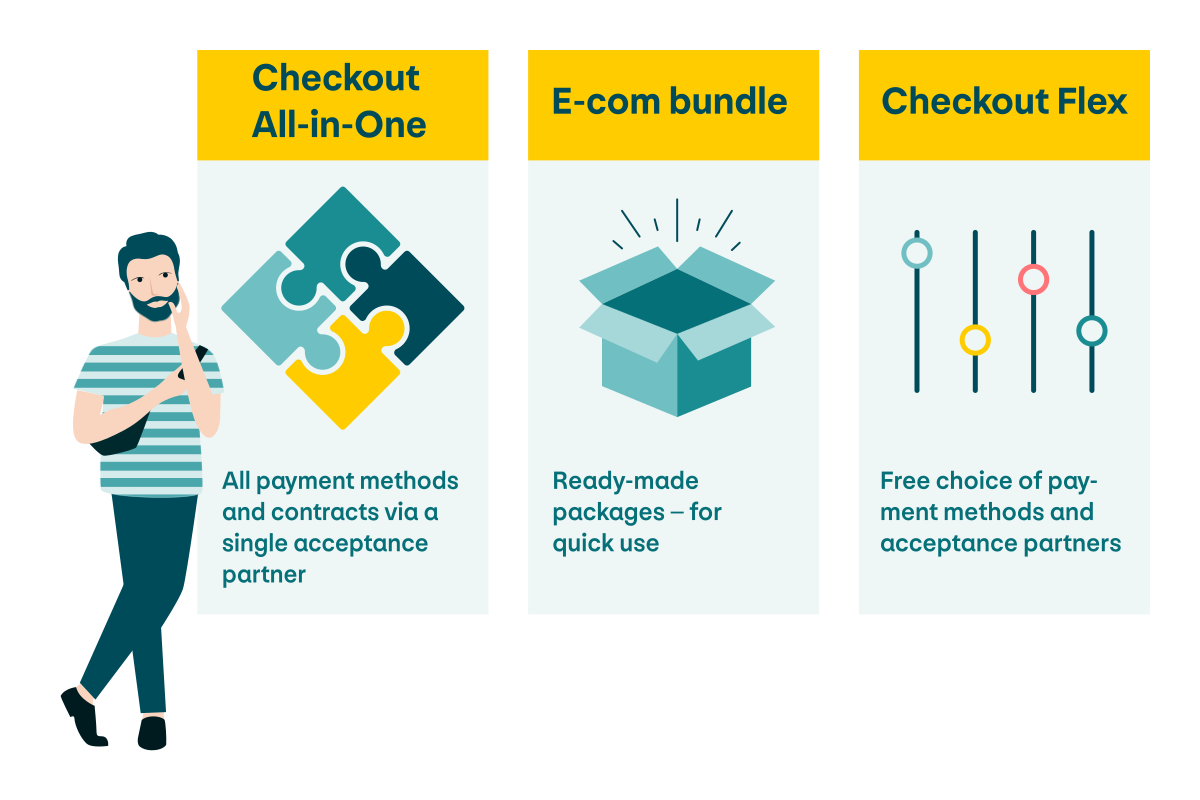
The image shows the three PostFinance Checkout models: All-in-One (all payment methods and contracts via one acceptance partner), Bundle (ready-made packages and ready to use quickly) and Flex (free choice of payment methods and acceptance partners)

The appropriate model must be chosen once the company data has been entered. PostFinance Checkout is available as a subscription in three models:

  • All-in-One: all payment methods and contracts via one acceptance partner – ideal for an uncomplicated start
  • Bundle: ready-made packages that are ready to use quickly
  • Flex: free choice of payment methods and acceptance partners

The choice should be based on the shop’s long-term requirements. Adjustments can be made later, but it’s advisable to choose carefully in advance to avoid unnecessary changes during ongoing operations.

3. The right payment methods for a smooth shopping experience

You then have access to the dashboard, which serves as a central working tool. To set up the payment methods, in the “Set up your payment system” field click on the “Enable E-Commerce payments” button.

The selection and configuration of payment methods depend on the PostFinance Checkout model selected:

  • All-in-One: all common payment methods are automatically included in the package. Retailers don’t have to make any choices here – they benefit from a fixed, immediately usable combination (e.g. credit cards, debit cards, TWINT, payment by invoice).
  • Bundle: a predefined selection is included depending on the package selected. This can be partially supplemented or modified if additional contracts are concluded with acquirers.
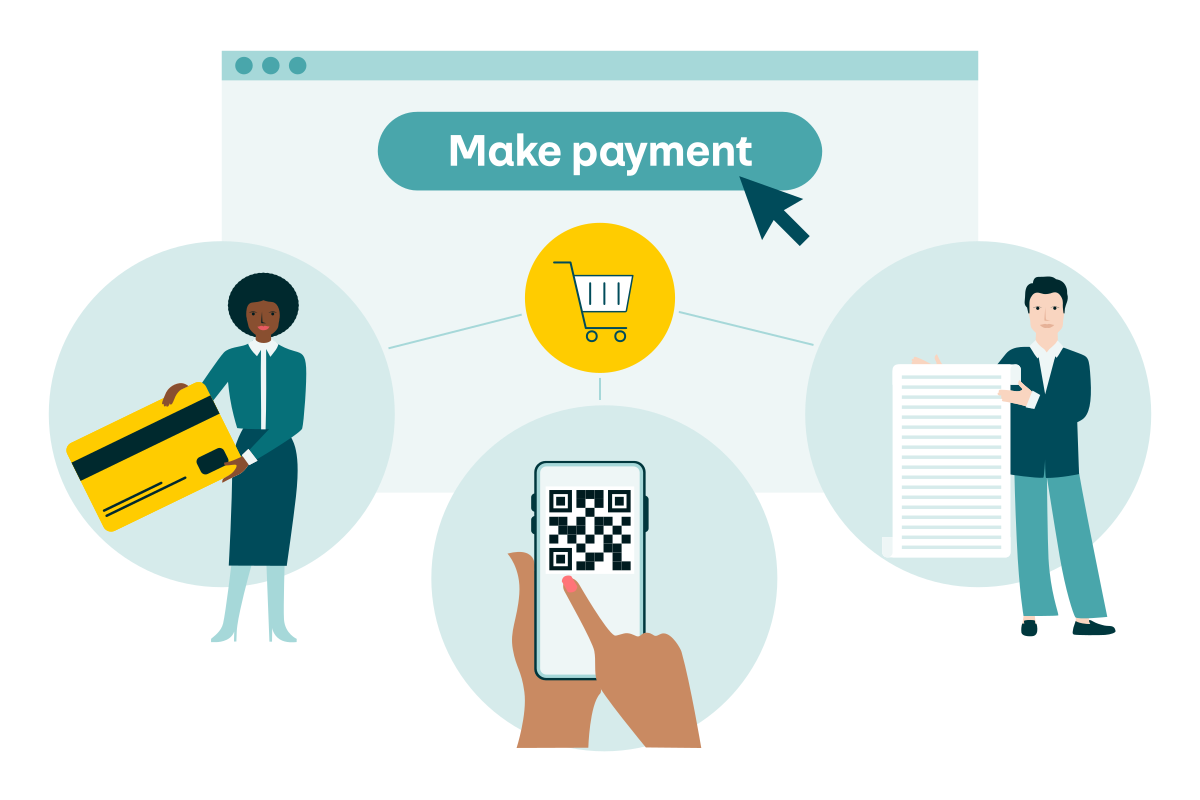
  • Flex: the payment methods can be put together individually. Retailers can decide for themselves whether they want to offer credit cards, mobile payment methods or QR-bills, for example.

The activated payment methods can be modified at any time in the dashboard. Retailers should consciously tailor their selection to their customers’ needs: the more well-known payment methods available, the lower the likelihood the customer cancels their purchase. A wide range of services also strengthens an online shop’s competitiveness.

4. Integration into the shop system: different ways to achieve the same goal

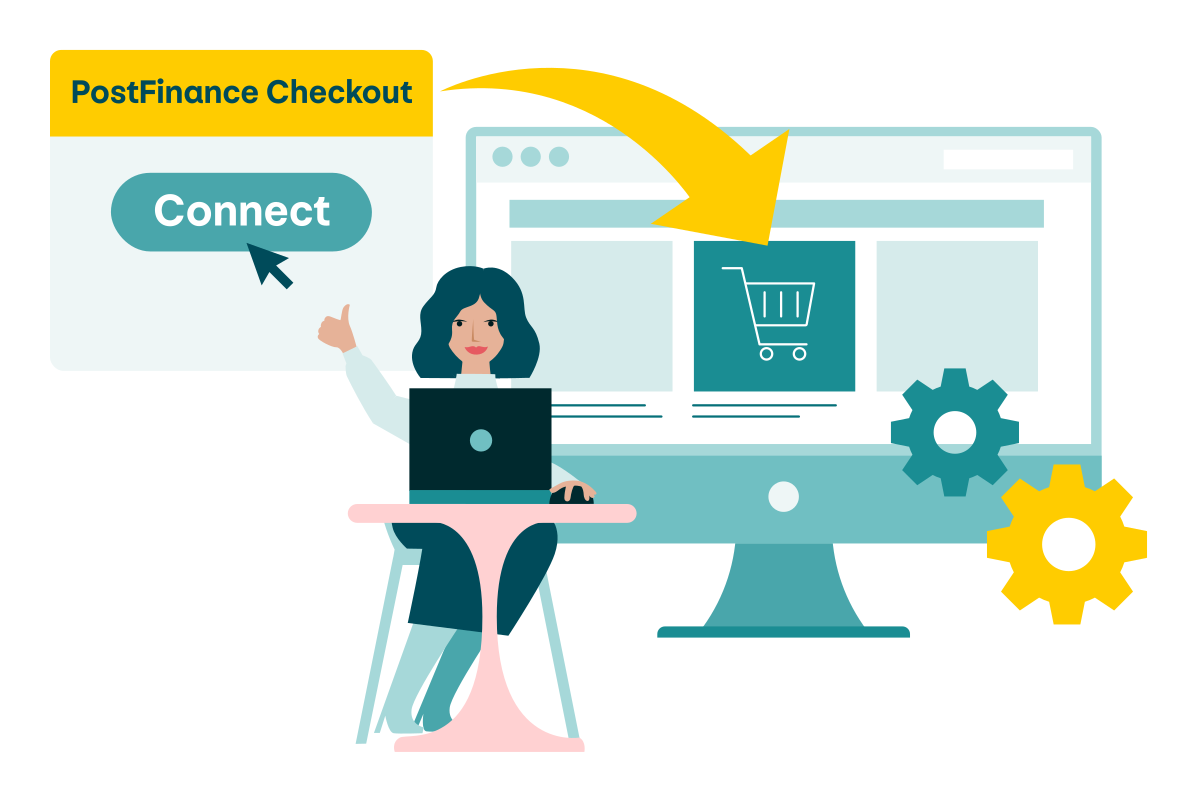
You can integrate PostFinance Checkout into your online shop via the “Connect your app or shopping cart” button in the dashboard. Connecting to your shop system is technically straightforward, but the process varies depending on the platform. For example:

  • WooCommerce/WordPress: installation of the plug-in and entry of the access data provided in the dashboard (user ID, application key, space ID)
  • Shopify: integration via the Checkout app in the Shopify Marketplace
  • PepperShop: activation of the corresponding module in the backend.
  • Wix: set-up via the app marketplace
Illustration of the PostFinance Checkout connection.

You can find a guide on how to correctly connect PostFinance Checkout for each individual shop system. Select your platform and follow the instructions given in the guide.

The integration establishes the connection between your shop and PostFinance Checkout. From this point on, transactions can be processed directly and viewed in the dashboard. Correct entry of the access data is essential, as errors at this point can lead to disruptions in the payment process.

5. Test Checkout: trust is good, but checks are better

Test transactions should be carried out before the system is activated for customers. These simulate the entire payment process, from selecting a payment method through to authorization and order confirmation.

Test transactions ensure that all interfaces work correctly, as they enable any configuration errors to be identified and resolved before go-live. The dashboard displays each test case in detail, including all parameters and status messages. This gives retailers the assurance that the payment process works under realistic conditions before customers access the shop.

6. Conclusion of contract with acceptance partners: no standard rule

Contracts with the relevant acceptance partners (acquirers) are required to ensure payments can be processed during live operation. These take care of the technical and financial processing of transactions between customers, financial institutions and the shop.

The procedure varies depending on the PostFinance Checkout model and partner selected:

  • With PostFinance Checkout All-in-One, the contract is concluded entirely via PostFinance. Retailers benefit from a standardized solution and don’t have to enter into separate agreements with individual acquirers.
  • With PostFinance Checkout Flex and Bundle, retailers conclude contracts with the desired acquirers individually. Some partners can be managed directly via the dashboard, while others must be contacted separately and have a contract process outside the platform.

Each provider has its own requirements regarding the documents to be submitted. These may include extracts from the commercial register, proof of identity or other business documents.

As checks and approval are carried out by external partners, this process may take several working days, depending on the provider. It’s advisable to plan for this period in good time so as not to delay the planned go-live. Online shop payments can only be accepted and invoiced once the retailer has been approved.

7. Store your company data

Detailed company information is required in order to run the full version. This depends on the package and includes information such as:

  • the official company name with legal form
  • the business address and contact information
  • the UID number
  • the details of a responsible contact person

This information isn’t only relevant for approval in the system, but it also helps the acceptance partners (acquirers) who process the transactions from a technical and legal perspective. Incomplete or incorrect data may delay contract verification and delay the go-live. It’s therefore advisable to have all documents – such as an extract from the commercial register or proof of identity – ready before entering them.

There are also enhancements available that expand the PostFinance Checkout range of functions:

  • recurring payments for subscription models
  • payment links that can be sent by e-mail or QR code
  • ability to adapt the payment page to your own corporate design
  • ability to export functions for accounting and reporting
  • expansion with payment terminals to omnichannel for in-store payment collection

These options ensure that PostFinance Checkout can be used not only as a payment module, but also as a strategic tool in online retail.

Test PostFinance Checkout All-in-One

Register now for PostFinance Checkout All-in-One. You can test the e-payment solution including payment simulation and plug-in free of charge, or request advice.

Questions and answers

  • The technical integration can be completed in just a few hours. However, the total time taken depends on how long it takes acceptance partners to review the contract documents. As this process takes at least ten working days, merchants should expect a lead time of two-to-three weeks from the start. This avoids delays to the planned start.

  • No. You don’t need a PostFinance account to use PostFinance Checkout. Billing can instead be carried out using a credit card. However, a PostFinance account is advantageous if all fees and income are to be processed centrally via one account.

  • PostFinance Checkout supports all common platforms. Specific plug-ins or modules are available for solutions such as WooCommerce, Shopify, Wix and PepperShop. Individual integrations are also possible. Detailed instructions guide retailers through the relevant set-up so that connection is possible even without in-depth technical knowledge.

  • Yes. The entire process can be trialled using the test version. This allows retailers to configure payment methods, simulate transactions and get to know how the dashboard works. The test version is therefore a suitable introduction before the solution is used in live operation.

This page has an average rating of %r out of 5 stars based on a total of %t ratings
You can rate this page from one to five stars. Five stars is the best rating.
Thank you for your rating
Rate this article

This might interest you too