Open your banking package with accounts and cards directly in the PostFinance App. You can use your online banking directly after opening your account digitally.
Open a banking package in the app
Scan the QR code to download the PostFinance App. Then open your new banking package with accounts, cards and e-finance directly in the app.
Open a banking package in the app
Download the PostFinance App from Google Play or the App Store. Then open your new banking package with accounts, cards and e-finance directly in the app.
Choose a suitable banking package with account, PostFinance Card and e-finance. A savings account and a credit card are included on request. You can open other products later in just a few steps in e-finance or in the PostFinance App.
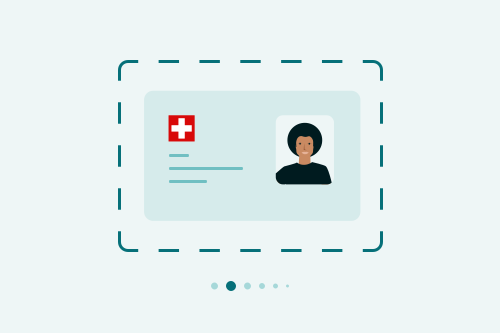
Step 2: Scan ID
Take a photo of your identity card or passport with your smartphone camera. Your details will be registered automatically.
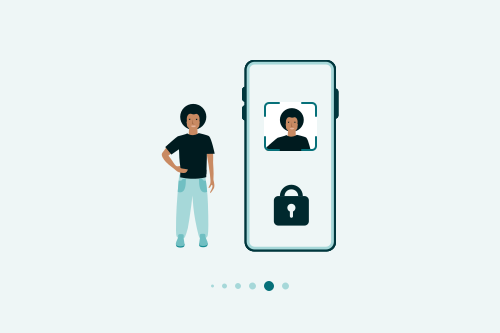
Step 3: Scan face
Identify yourself with a short, automated face scan. Your data will only be used for comparison with your identity document
Step 4: Sign contract digitally
Enter your personal details and sign with an electronic signature.
Step 5: Set up login
PostFinance opens your account in a few seconds and activates your login in the PostFinance App. Your e-finance will be available to you immediately.
Step 6: Look forward to receiving your cards
You will receive your PostFinance Card and optional credit card by post within a few days.